
If you run a small business, you probably know this scene well.
A customer is ready to pay. They ask if you accept GCash. Another asks if they can use a credit card. Someone else sends a QR payment, and then you or your staff need to check the phone, wait for the notification, confirm the amount, and make sure the payment actually went through.
For small stores, cafés, salons, clinics, pop-up booths, and service providers, these little payment moments happen every day. They may seem simple, but when the line gets longer or the store gets busy, manual checking can slow things down.
This is where GCash EasyPOS and SoundPay Plus come in.
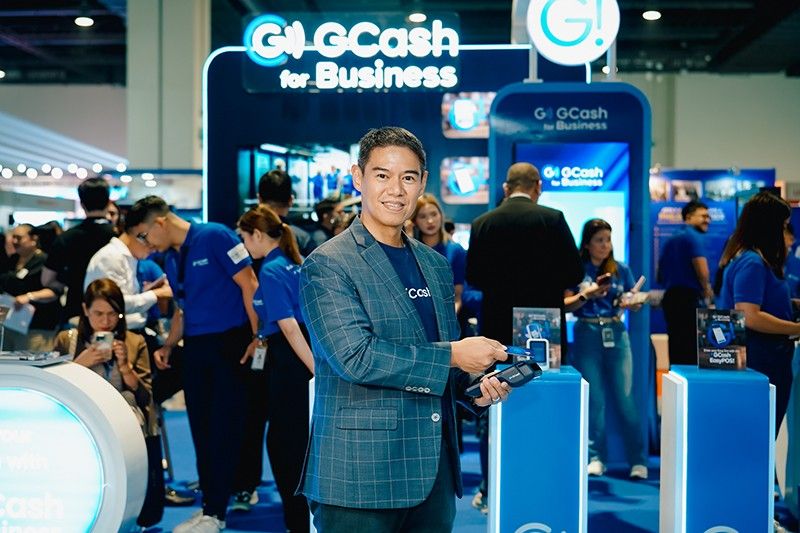
GCash for Business recently highlighted the two devices at the 18th Philippine Business Expo, but they are better understood not as event announcements, but as practical payment tools for MSMEs that want to accept more than just cash or static QR payments.
So, what is GCash EasyPOS?
GCash EasyPOS is an in-store payment terminal that lets merchants accept both QR and card payments through one device.
Think of it as a more complete counter payment setup. Instead of only displaying a printed QR code, the merchant can use the terminal to accept payments from GCash, QRPH-enabled apps, Visa, and Mastercard.
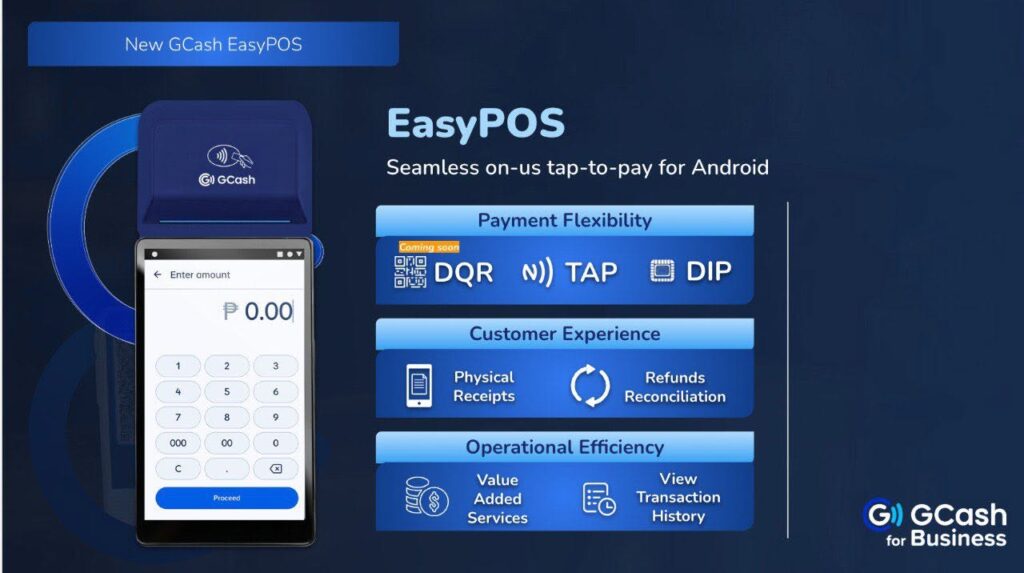
It also works closer to a traditional point-of-sale terminal. Merchants can print physical receipts, check transaction history, process voids before settlement, handle refunds, and settle transactions at the end of the day.
This may be useful for businesses that need a more formal payment flow, especially those that issue receipts often or serve customers who still prefer using debit or credit cards.
EasyPOS is available to Tier 2 and Tier 3 GCash for Business merchants.
What about SoundPay Plus?
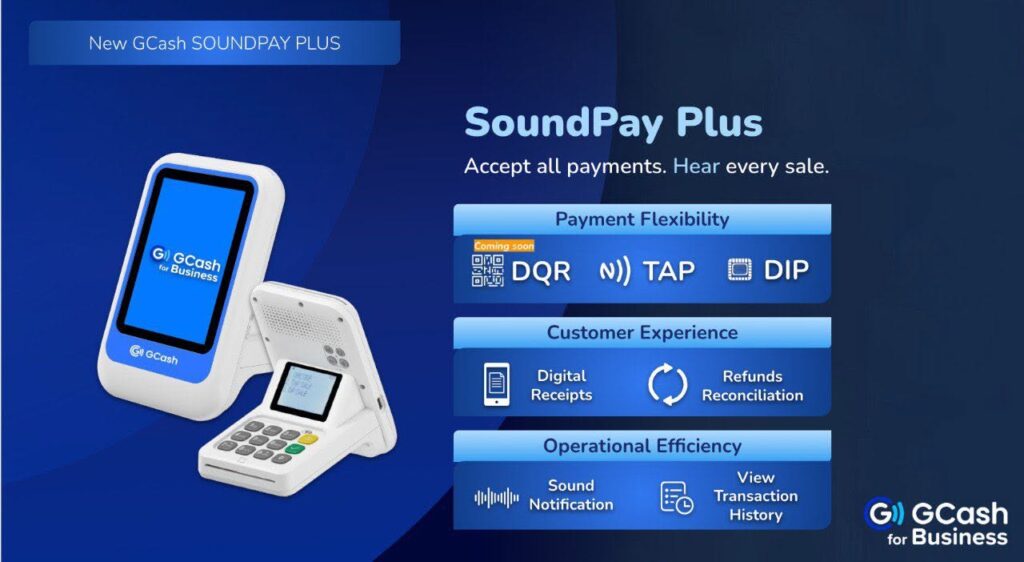
SoundPay Plus is also an in-store payment device for QR and card payments, but its most useful feature is the sound confirmation.
When a payment is successful, the device plays an audio alert. For a busy store owner, that small feature can be helpful. You do not always have to keep checking a phone screen just to confirm whether the payment went through.
This can work well for businesses where staff are multitasking, such as food stalls, small groceries, salons, kiosks, and shops with quick-moving transactions.
SoundPay Plus also supports transaction history, voids before settlement, and end-of-day settlement. Instead of printing physical receipts like EasyPOS, it provides digital receipts through the customer’s mobile number.
SoundPay Plus is available to Tier 1, Tier 2, and Tier 3 GCash for Business merchants.
How much do merchants need to pay?
GCash says there is no initial fee for the device or terminal at the time of availment.
However, merchants still pay a merchant discount rate, or MDR, for every successful transaction. The listed MDR is 1.0% for QR payments and 3.2% for card payments.
This is an important detail for small businesses because transaction fees can affect margins. A business that sells low-cost items may want to think carefully about which payment options to promote, while a service-based business may find the added convenience worth the fee.
How can MSMEs apply?
Merchants who want to use EasyPOS or SoundPay Plus need to apply through the GCash for Business Portal.
The portal is also where merchants can order, activate, and manage the devices. It works as the main dashboard for checking transactions, tracking sales, managing wallets, transferring funds, and monitoring settlement.
According to GCash, the devices are delivered through its Value Chain Partner. Delivery may take around four to six business days for Metro Manila and most provinces, while remote areas may take longer.
The devices arrive pre-activated. The partner also sets up the terminal in-store and explains how to use it.
How do payments work on EasyPOS?
For card payments, the merchant taps “Card” on the device, enters the amount, and asks the customer to insert or tap their card. If the customer is using a debit card, they may be asked to enter their PIN. Once the payment is successful, the merchant can provide a printed receipt upon request.
For QR payments, the merchant taps “QR Code,” enters the amount, and asks the customer to scan the QR using GCash or another QRPH-enabled app. Once the transaction is successful, the merchant may provide a receipt upon request.
At the end of the day, the merchant settles the batch so the funds can move to the GCash for Business Portal wallet.
How do payments work on SoundPay Plus?
For card payments, the merchant selects “Sale,” enters the amount, and asks the customer to insert or tap their card. For debit cards, the customer may need to enter a PIN.
For QR payments, the merchant taps the QR button, enters the amount, and asks the customer to scan the code using GCash or another QRPH-enabled app.
The device then confirms the payment through the screen and sound alert. This feature can make daily operations easier for merchants who handle several customers at once.
Which one should a small business choose?
The better option ultimately depends on how the business operates.
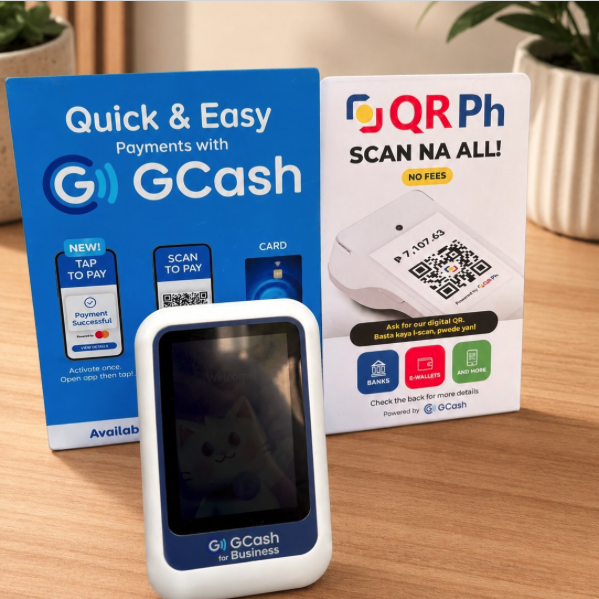
EasyPOS may be more suitable for merchants that want a POS-style device, printed receipts, and a more complete counter payment setup. This can be useful for clinics, cafés, retail stores, and service businesses that need clearer transaction records.
SoundPay Plus may be better for merchants that want quick payment confirmation without constantly checking a phone. This can be useful for food stalls, small shops, kiosks, and businesses with fast-moving customer lines.
Before applying, merchants should check their GCash for Business tier, expected transaction volume, customer payment habits, and comfort with the MDR fees.
For MSMEs, the goal is not just to accept more payment methods. It is to make payments easier to track, easier to confirm, and easier to manage during the normal rush of daily business.