

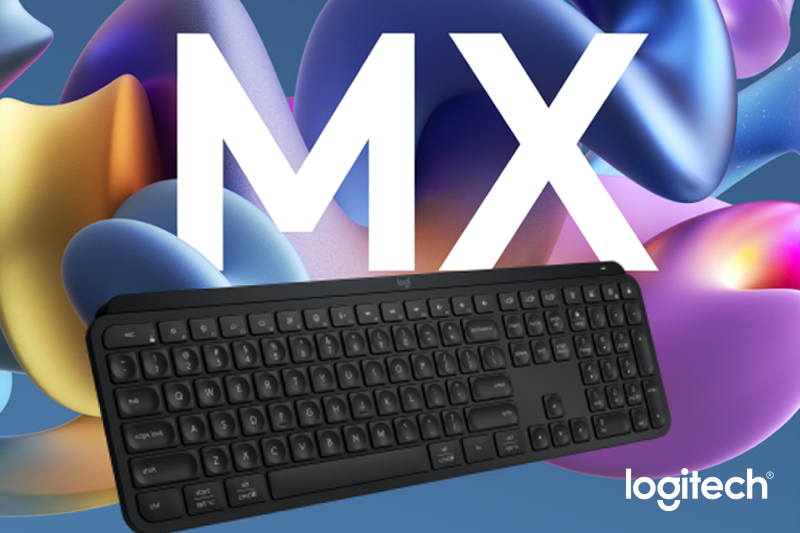
Logitech has just introduced the latest addition to its premium Master Series – the MX Keys S wireless keyboard – which has been designed for effortless convenience and comfort targeting software developers, and creative professionals.
With the inclusion of Smart Actions, a new feature in the Logi Options+, the new product helps you to achieve your “flow state,” or that period of time when you feel the most productive, with greater ease.
FAST FLUID PRECISE TYPING
The essence of the MX Keys S design centers around the typing experience. Each keystroke yields a gratifying tactile response, striking the perfect balance between responsiveness and quiet operation.
Propelled by the revolutionary Perfect Stroke technology, the keyboard offers consistent and comfortable key presses, mitigating typing fatigue during extended work sessions. More importantly, the keycaps also feature a small, dish-shaped profile that keeps your fingers centered on the keys – thus helping you minimize typos by reducing accidental keystrokes.
SMART ILLUMINATION MADE SMARTER
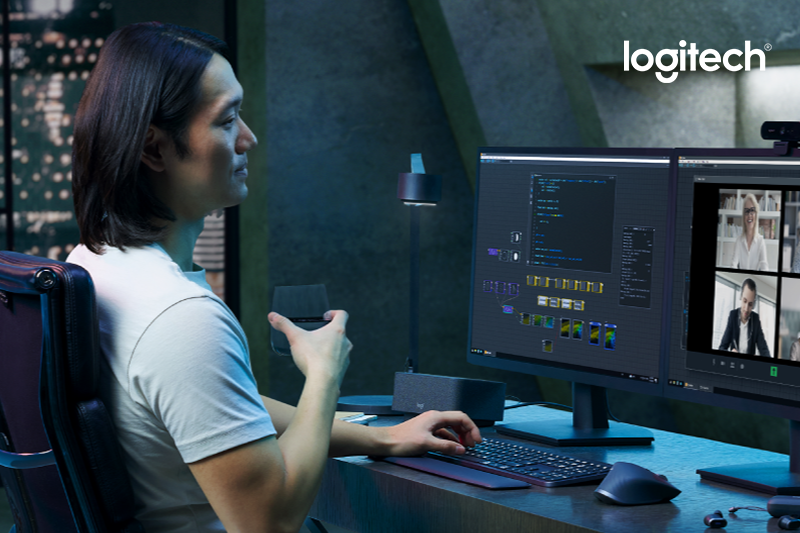
Like in the previous generation, the new keyboard also features the same full white dynamic backlighting that will automatically illuminate when your hands are near.
Even better, it also has a new feature that automatically adapts to ambient lighting conditions, ensuring optimal visibility in all surroundings. This feature could prove especially advantageous for those working in dimly lit environments or during late hours.
An outstanding attribute of the MX Keys S is its wireless prowess. Designed to accommodate the modern, on-the-go lifestyle, the keyboard seamlessly integrates Bluetooth connectivity, enabling seamless device-switching. Whether engaged with a laptop, tablet, or smartphone, the MX Keys S guarantees a consistent and reliable typing experience across various devices.
AUTOMATE REPETITIVE TASKS
Smart Actions on the Logi Options+ App allows you to skip repetitive actions by automating multiple tasks with a single keystroke. Other key changes include a different set of shortcuts on the function row that now includes an emoji key. Logitech has also added new software functionality for creating macros.
ERGONOMIC DESIGN
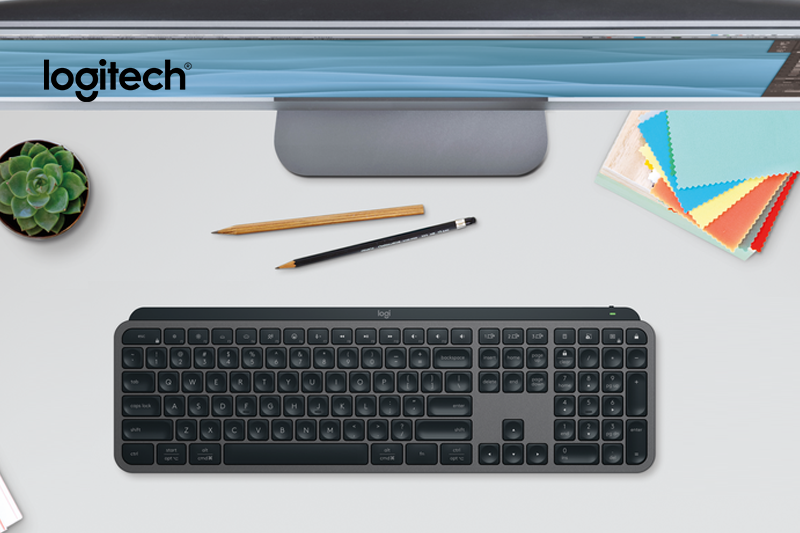
The low-profile design and optimum angle for a natural wrist position provide effortless precision and longer hours of typing comfort.
MULTI-DEVICE MULTI OS
Not a Windows user? MX Key S can easily switch between 2 to 3 devices at the push of a button. Aside from Windows, it is equally compatible with macOS, ChromeOS, Linux, and even iPadOS.
USB-C QUICK CHARGING
Get rid of Jurassic batteries because you can charge while you work with the included USB-C charging cable. Stays powered for up to 10 days on a full charge or up to 5 months with the backlighting turned off.
Logitech’s steadfast commitment to sustainability echoes through the design of the MX Keys S. Crafted from responsibly sourced materials, the keyboard underscores Logitech’s pledge to reduce its ecological footprint.
With its blend of comfort, cutting-edge technology, and focus on delivering competitive advantage, one can say that the MX Keys S can easily be considered an outstanding desktop companion for everyday browsing and office productivity.
Available online and at local shops
Logitech accessories are available at the Logitech Official Store in Shopee and other partner retail stores nationwide. Logitech products are also available at partner outlets, PC Express, Silicon Valley, DataBlitz, Octagon, Electroworld, Complink, iTech, Techwarez, GameOne, Interpace Computer Systems, GameXtreme, TTI, GameOne, DynaQuest PC, Digi-Serv Solutions, Concept Computer, NUTECH, DFE (Davao Futurebright Enterprises), Villman, PCWorx, Abenson, Digistore, and Greenware.
The new Logitech MX Keys S keyboard comes at a suggested retail price (SRP) of P6,995. Visit the Logitech website and official Facebook Page to learn more.