
The promise of digital banking in the Philippines hinges on extreme convenience: opening a high-yield account in minutes without ever leaving your home. Yet for many Filipinos making the leap to branchless banking (or digital banking), the initial onboarding process can quickly turn into an exercise in friction.
A single rejected selfie, a poorly illuminated ID scan, or a minor mismatch in middle names during the Electronic Know Your Customer (e-KYC) procedure can stall an application before it even begins.
While digital banks operate under strict Bangko Sentral ng Pilipinas (BSP) frameworks designed to prevent fraud and identity theft, the automated verification engines powering these apps can be surprisingly rigid. Confirm the institution is BSP-supervised. You can check the rather than trusting an ad.
Here is an operational guide on how e-KYC systems evaluate your data, why digital onboarding fails, and how to successfully navigate the process of digital banking in the Philippines.
What you need before beginning

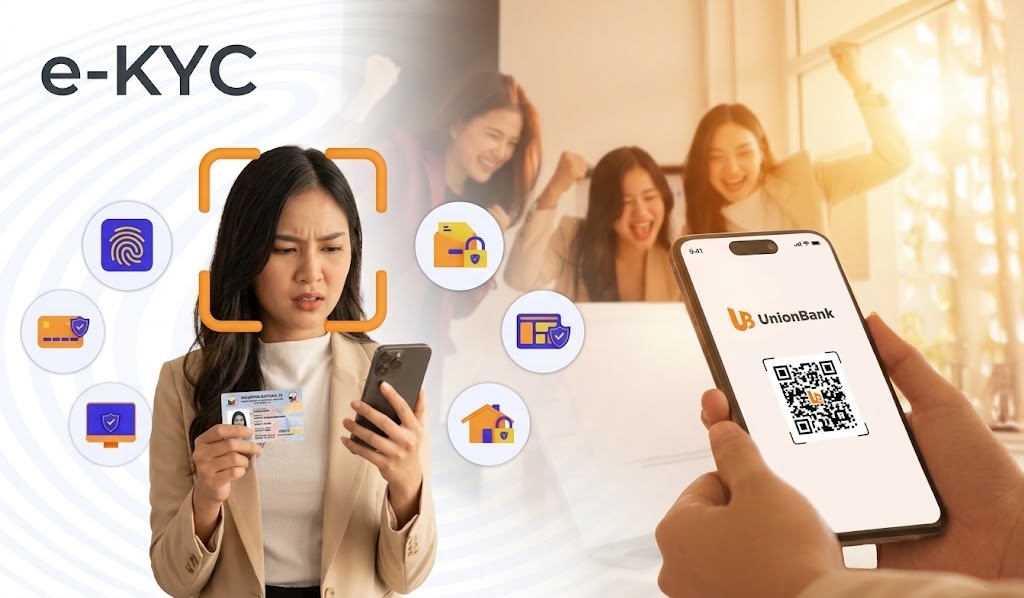
IMAGE CREDIT: UnionBank
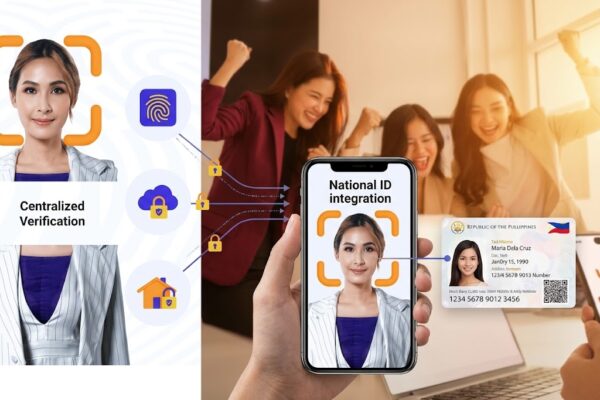
Digital onboarding platforms rely on optical character recognition (OCR) and biometrics to verify identity in real time.
Before downloading your provider’s app, prepare the following core essentials:
- Primary government-issued ID: Most Philippine digital banks accept a core set of primary IDs. The safest options include the PhilSys National ID, Philippine Passport, Driver’s License, UMID, or Postal ID.
- A dedicated mobile number and email address: Ensure the mobile number is active, registered in your legal name, and capable of receiving One-Time Passwords (OTPs).
- Proper lighting and hardware: A functioning camera lens free of smudges or screen-protector interference.
Step-by-step: Moving through digital onboarding
1. Registration and Name Matching
Register your phone number and enter your personal information.
Key Risk Area: The most frequent cause of automated rejection is a name mismatch. Enter your full legal name, including middle names, exactly as displayed on the physical ID provided. Omitted suffix extensions (e.g., “Jr.”) or hyphenation discrepancies often trigger immediate red flags in backend databases.
2. Document Capture
When photographing your ID, lay the card flat on a dark, non-reflective surface. Ensure all four corners are visible within the camera frame, with zero glare or shadow casting over the text and photo.
3. Biometric Liveness Check
The liveness check requires following on-screen prompts—such as blinking, smiling, or turning your head—to confirm that a live person, rather than a photo, is interacting with the camera.
Why e-KYC Fails (And how to fix it)

When an app denies an application, the cause usually traces back to minor environmental or optical interference:
- Sub-optimal lighting: Overhead glare or harsh backlighting can obscure facial feature vectors during the biometric check.
- Camera lens imperfections: Smudges, dust, or cracked screen protectors over the front-facing camera distort the facial map captured by the system.
- System lockouts: Most e-KYC engines limit attempts. Failing the facial match or ID capture three consecutive times typically triggers an automated 24-hour security lockout.
Important: If locked out by the security protocol, attempting to bypass the lockout by logging in from a different mobile device can trigger fraud monitoring algorithms. The most effective resolution is simply waiting out the cooling-off period before retrying on your primary phone.
Evaluating providers: Your due diligence checklist

IMAGE CREDIT: Magnific
Before transferring capital to a new digital institution, verify its regulatory status and consumer protections:
- Confirm BSP licensing: Ensure the institution operates under a valid digital banking license or has a bank license issued by the Bangko Sentral ng Pilipinas. Verify through official BSP directories rather than marketing materials.
- Verify PDIC coverage: Confirm that deposits are insured by the Philippine Deposit Insurance Corporation (PDIC) up to the statutory limit of ₱500,000 per depositor.
- Compare yields and rail fees: Review net interest rates, fee schedules for outward fund transfers (such as InstaPay or PESONet), and cash-in options.
Post-account setup recommendations
Once your account is active, implement basic operational safeguards before depositing large amounts of capital:
- Adjust default transfer limits: Set conservative daily transaction limits until you are familiar with the app’s user security controls.
- Enable multi-factor authentication (MFA): Turn on push notifications, SMS alerts, and biometric logins (fingerprint/Face ID) for every transaction.
- Set up instant cash-in options: Link your digital bank account to existing payment rails or e-wallets via InstaPay for seamless top-ups.